Every climb in your pocket
For any gym: climbers log their sends, see what's new on the walls and set their own climbs.
Download PDF:
Posters and brand assets
Free posters to put up in your gym, and everything you need to promote Crux: our logos, colours and app screenshots.
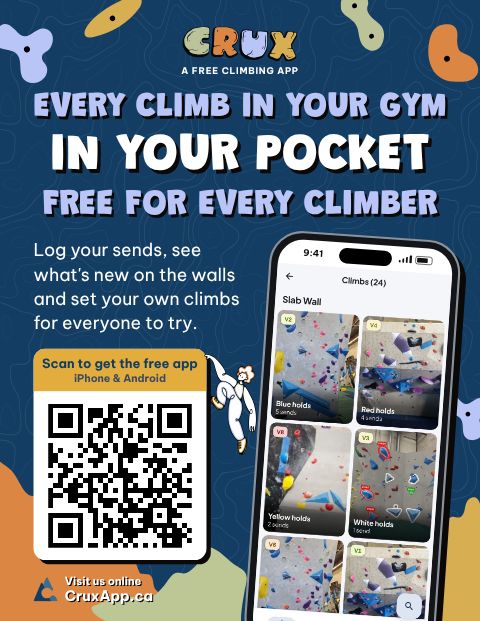
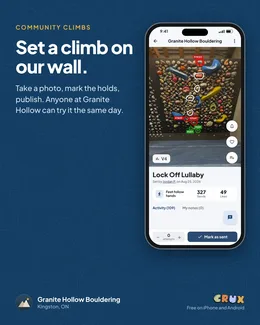
Print these anywhere climbers will see them. The QR code opens the App Store or Google Play.
For any gym: climbers log their sends, see what's new on the walls and set their own climbs.
Download PDF:
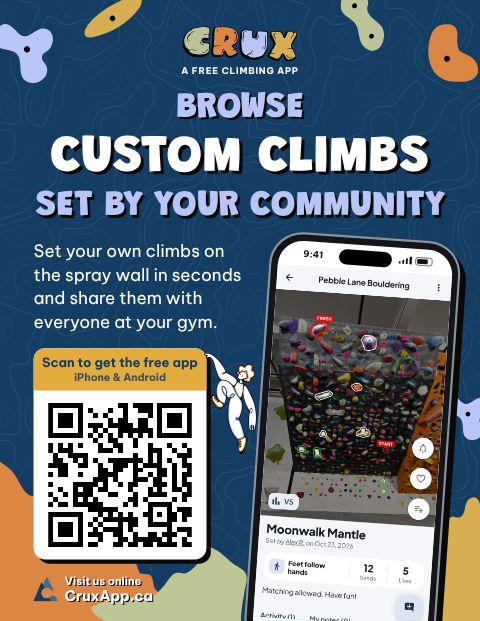
For a spray wall or board: climbers browse the climbs on it and set their own in seconds.
Download PDF:
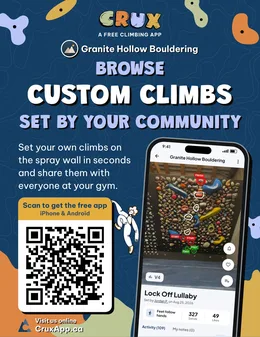
Gyms on Crux get posters made just for them, with the gym's name, logo and one of its own climbs, and images for Instagram and Facebook in every format: story, portrait, square and landscape. They're ready in 10 languages and update as your climbs change.
Find them in the Crux app: open your gym, then Gym settings > Posters and social media.
Included in every gym plan and in the free trial.
Use these files as they are. Download them one by one, or all at once.

Our main logo. Use it on white or light backgrounds.

The same logo for dark or photo backgrounds.

Our colourful name, for headlines, posters and anywhere fun.

The app's icon, a square image for avatars and app listings.
#004080
#52A9DE
#BCC398
#DC8644
#BAC5F7
#D8AE52
Fonts: Our posters use Grandstander for headlines and Be Vietnam Pro for text. Both are free on Google Fonts.
Screenshots of the Crux app in a phone frame, for your posts, newsletters and website. Click one for the full-size image.
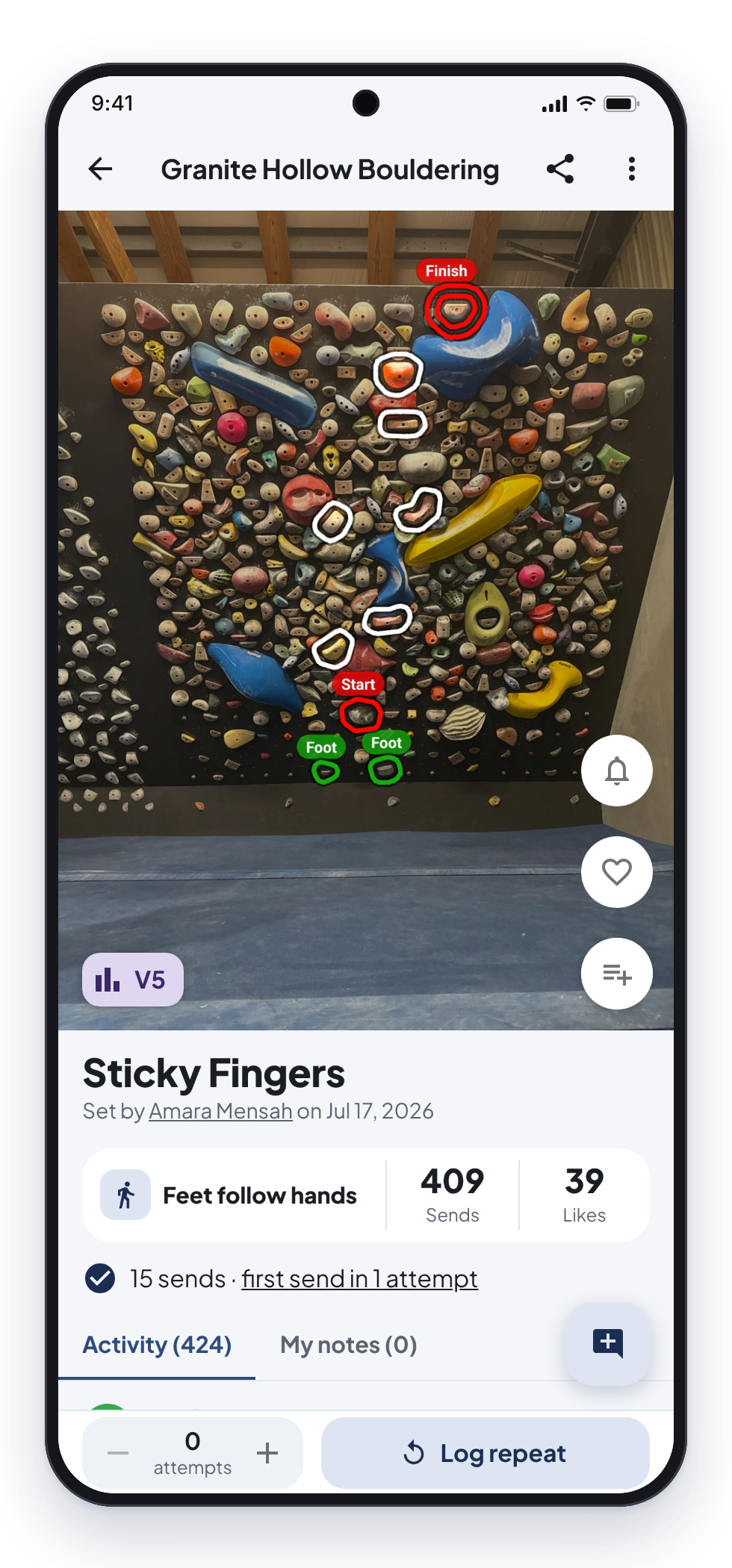 A climb on its wall photo, with its holds, grade and sends
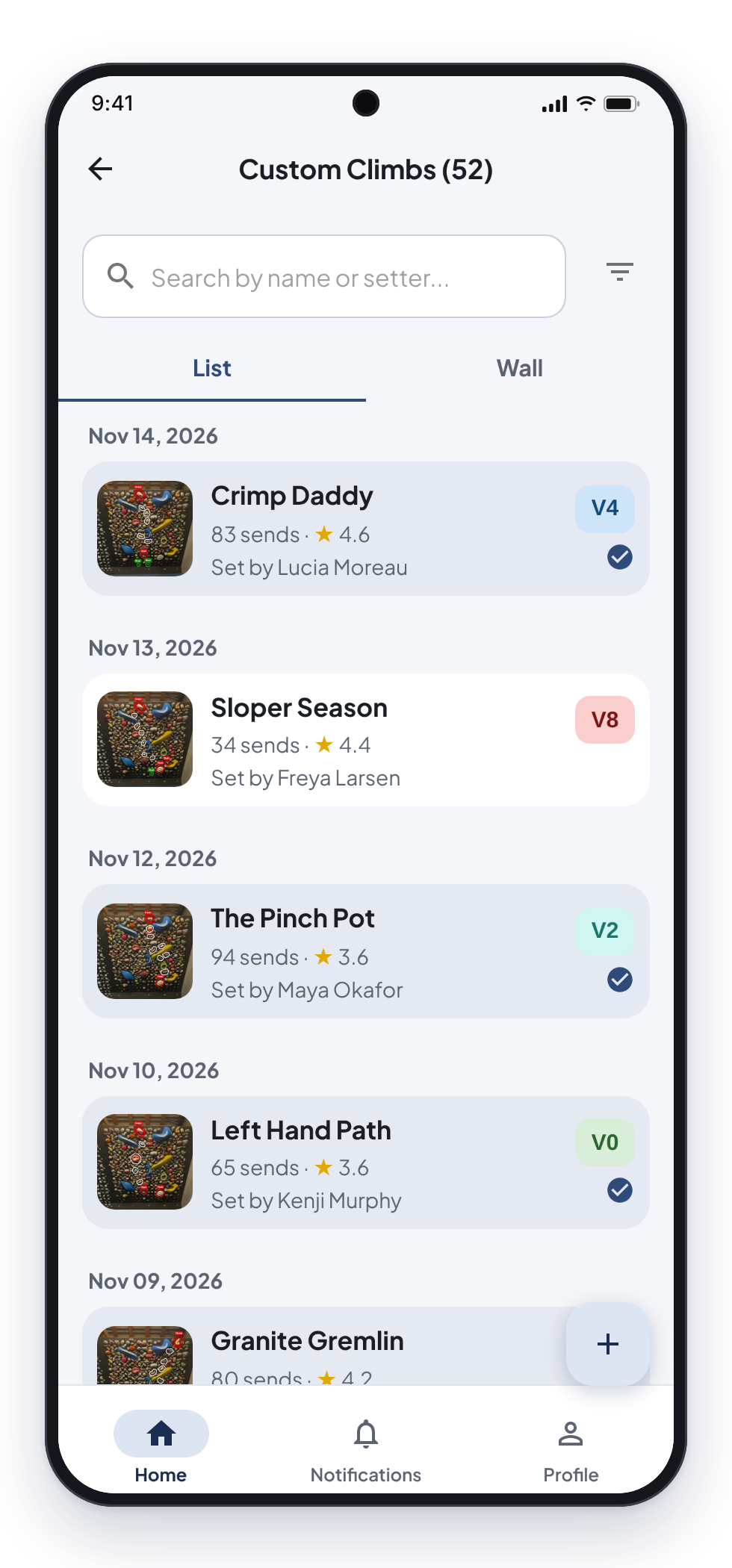 A gym's climbs, newest first
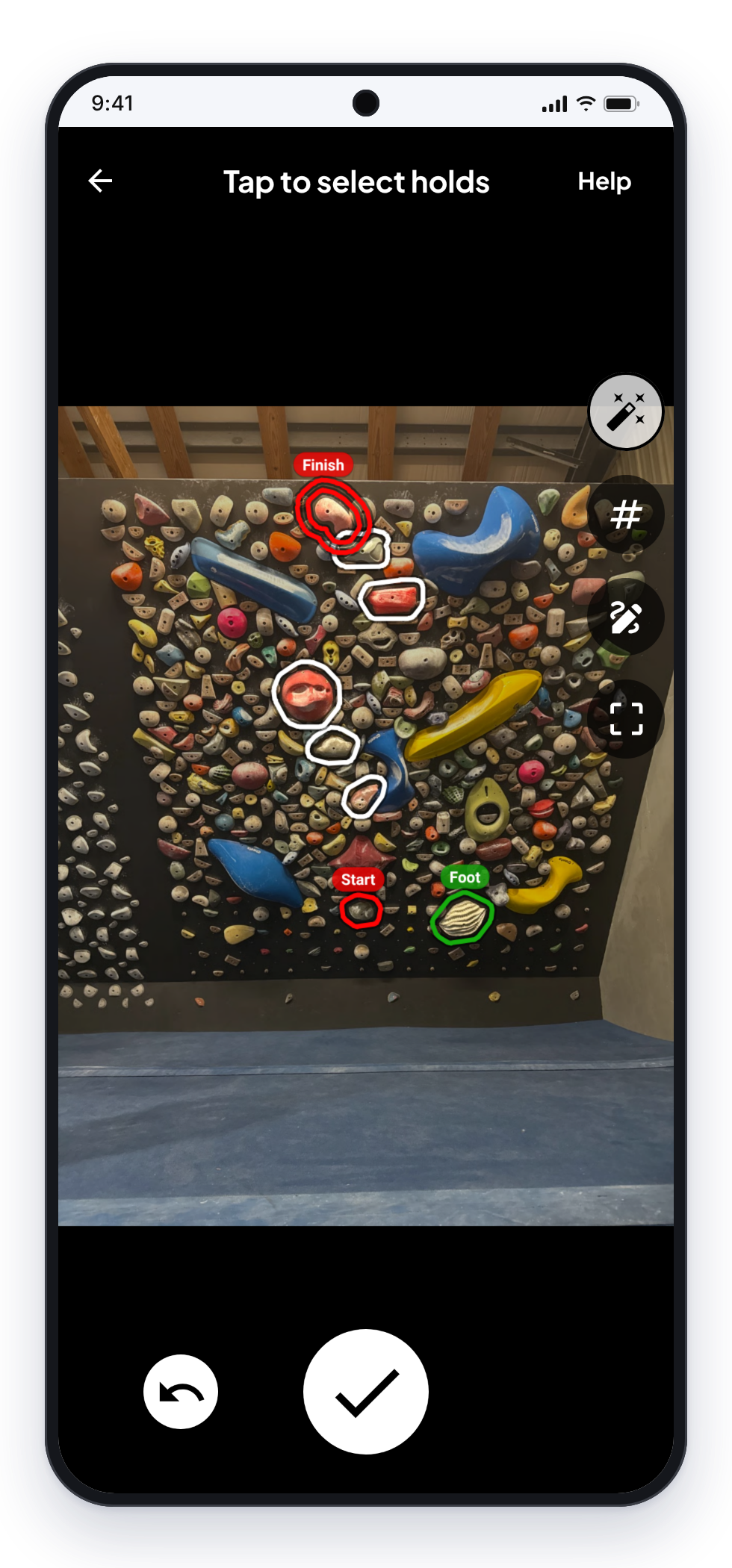 Setting a climb by tapping holds on a wall photo
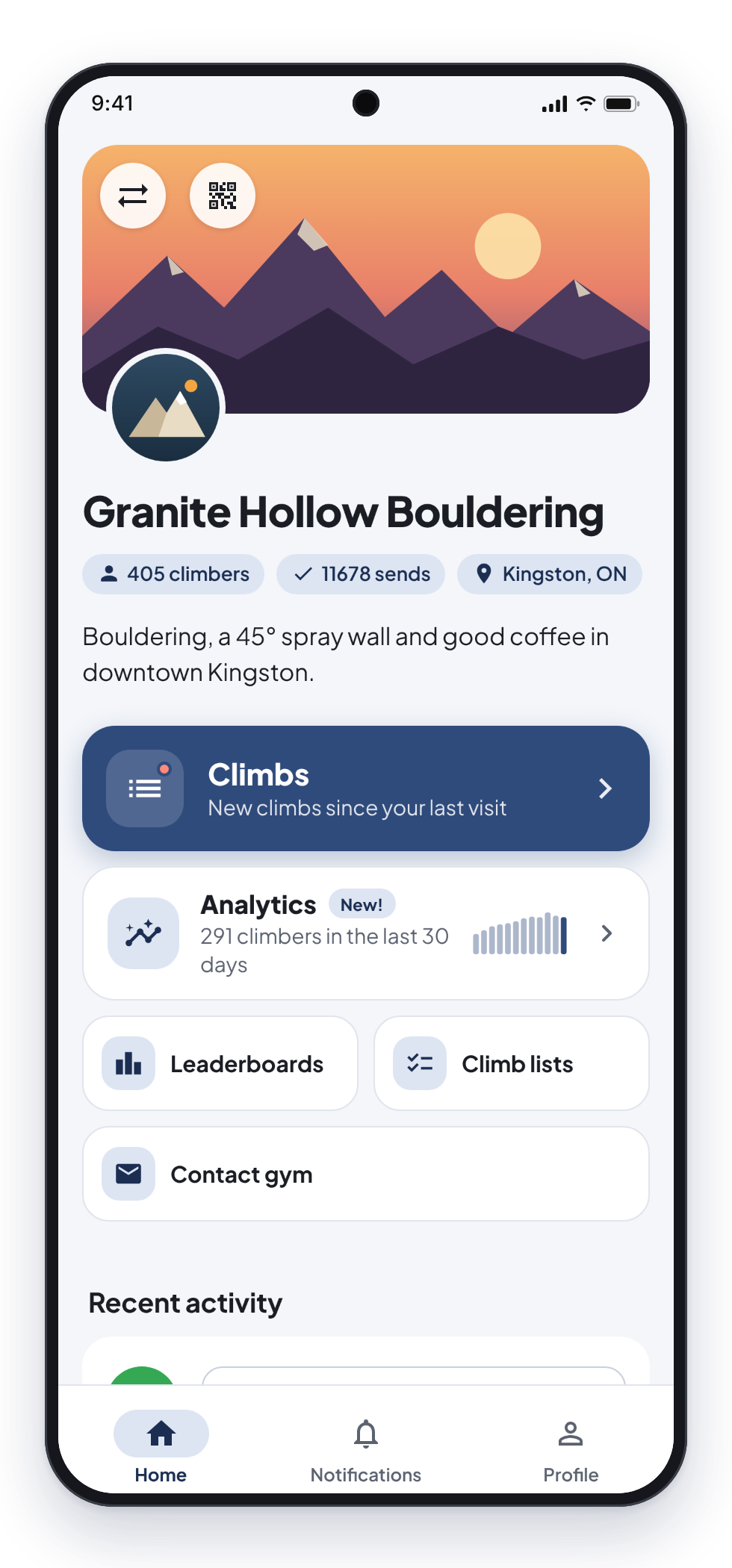 A gym's page in the app
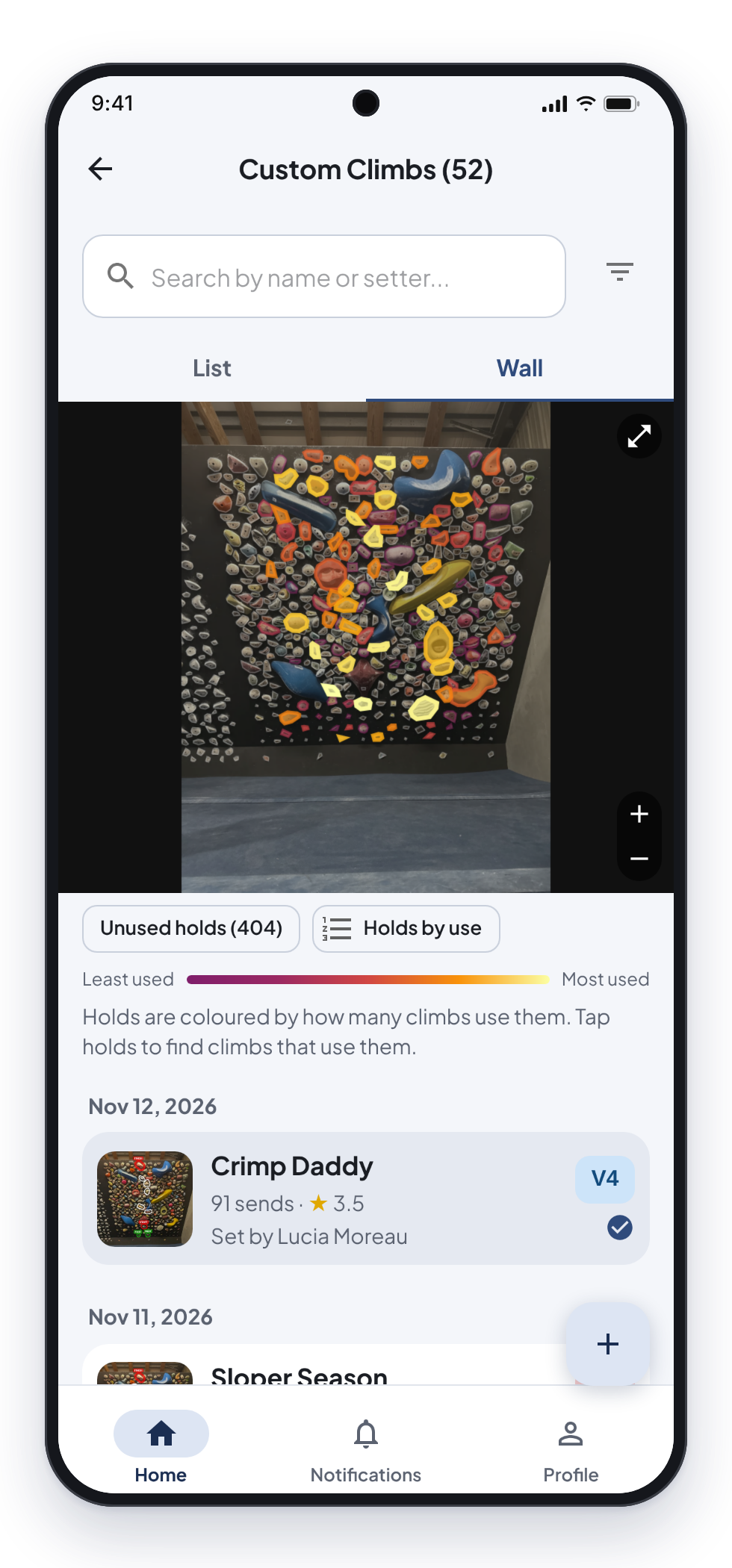 The hold heatmap, showing which holds climbs use most
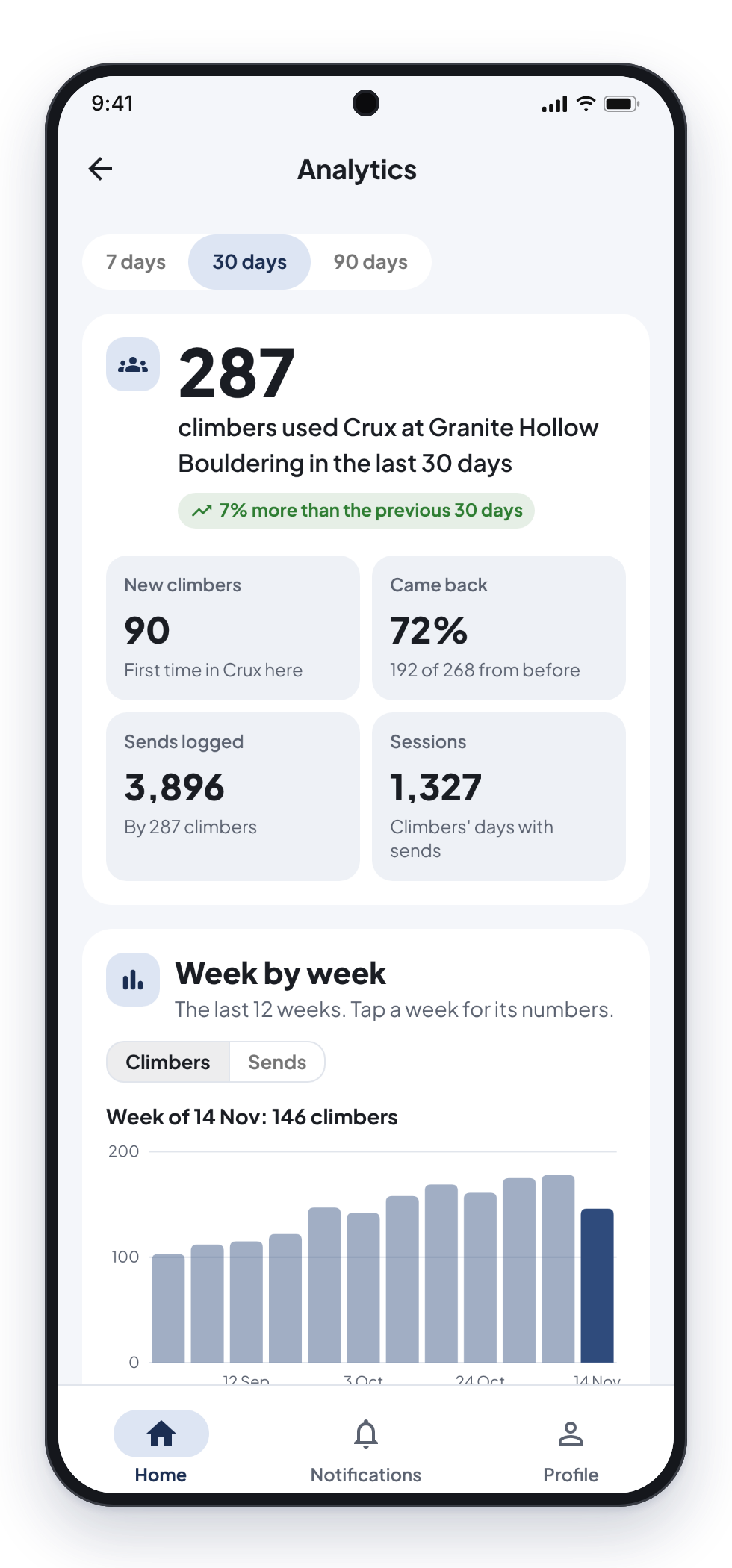 A gym's analytics: climbers, sends and visits
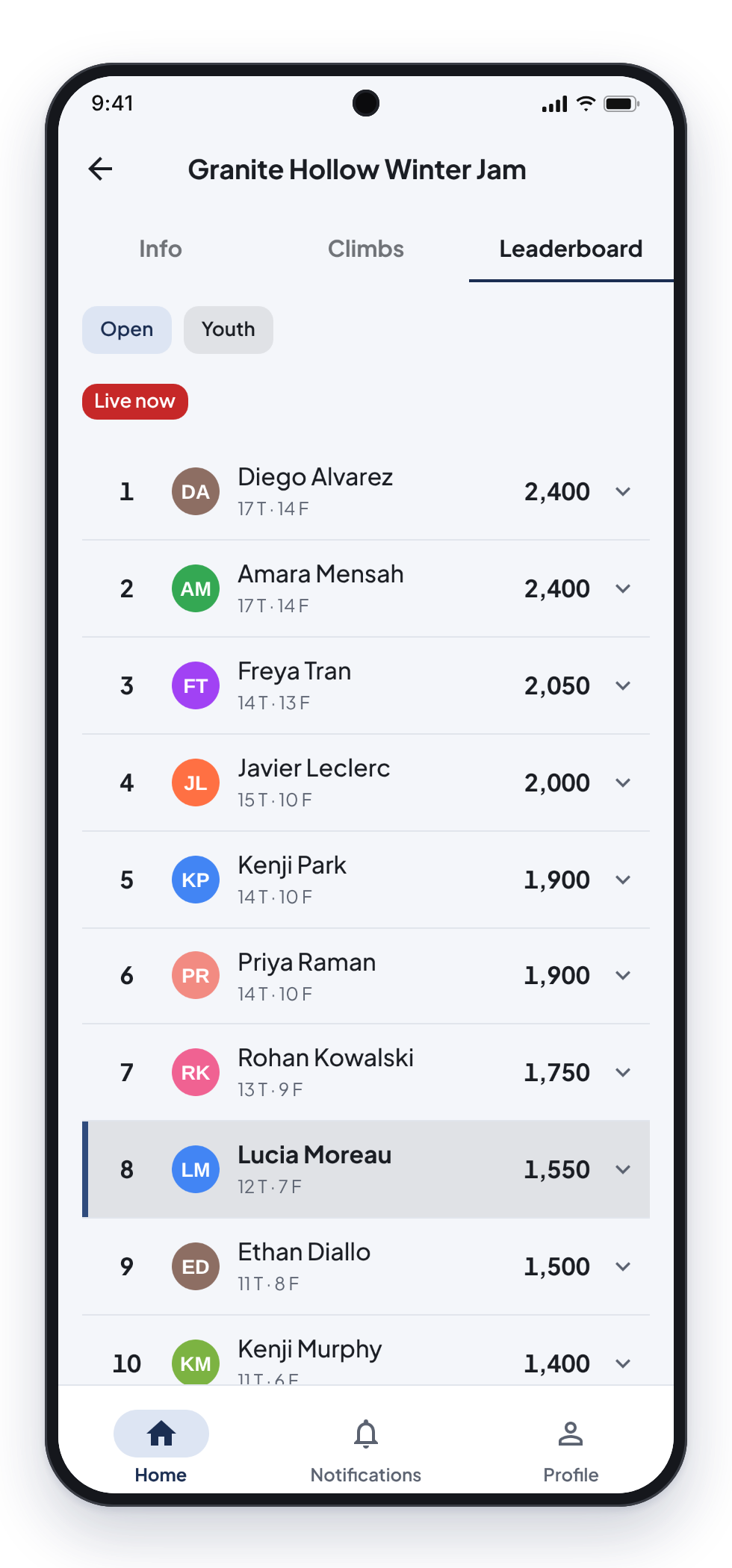 A live competition leaderboard
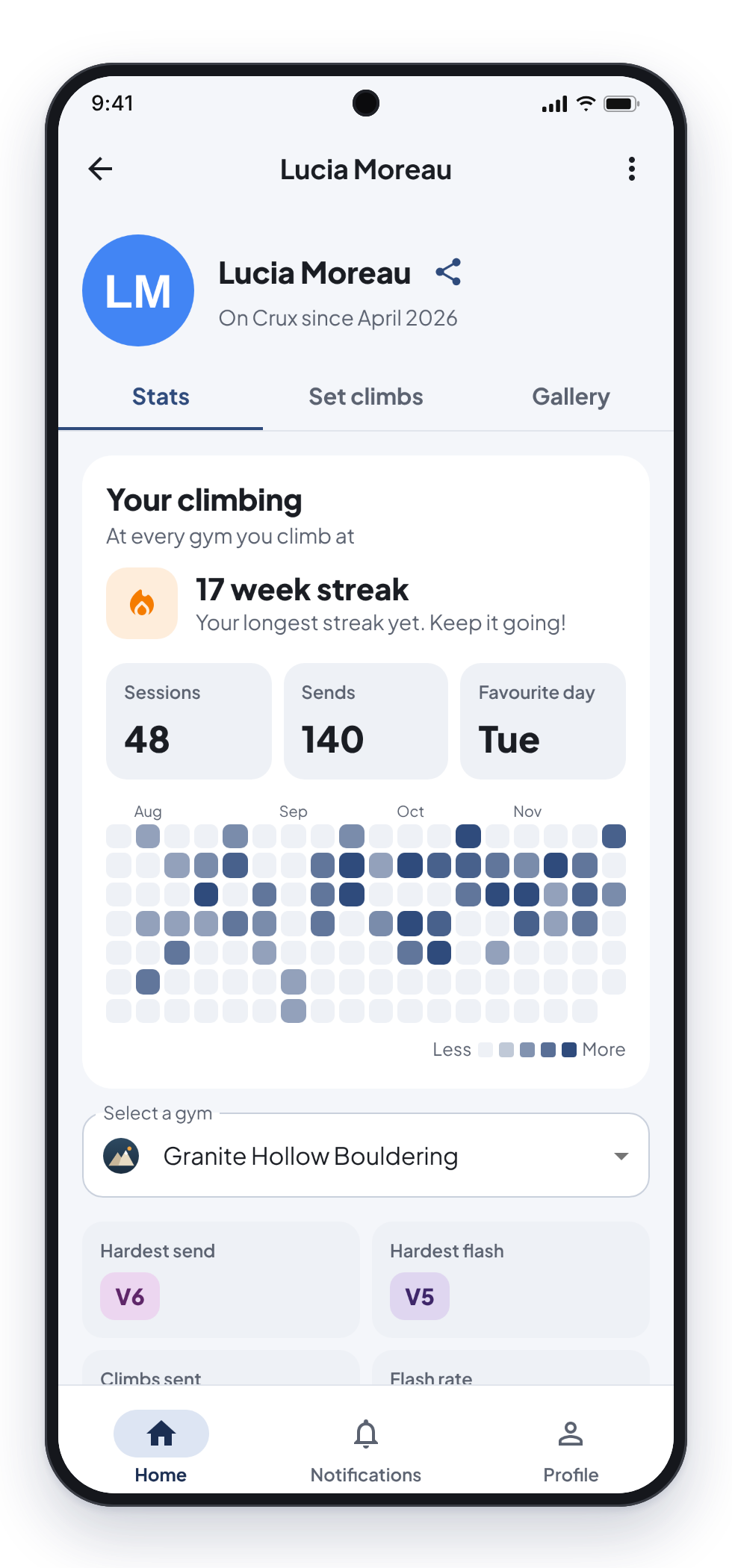 A climber's profile, with their streak and stats
Send climbers to www.cruxapp.ca/download: it opens the App Store on iPhones and Google Play on Android phones, and shows everyone else what Crux does for climbers.
Writing about Crux? See our press kit.